Featured

Learning Technology Critique – Osmo

Critique of “Osmo” as an Educational Tool

There is a burgeoning need for students to possess the capacity to think creatively in future workplaces that will possess a host of demands distinctly different to the ones we have experienced over the recent and distant past (Pink 2011). To operate within the complex environmental, social and economic pressures of the twenty-first century, students must be creative, innovative, enterprising and adaptable (ACARA).

Creativity is accepted among scholars as the generation of ideas that combine originality and task appropriateness (Beghetto & Kaufmann 2013). Students learn to think creatively as they generate new knowledge, seek possibilities, consider alternatives and solve problems (ACARA). Teaching these capabilities to children can prove challenging at the best of times, but there exist technological aids to assist teachers.

Osmo – Digital Learning in the Real World
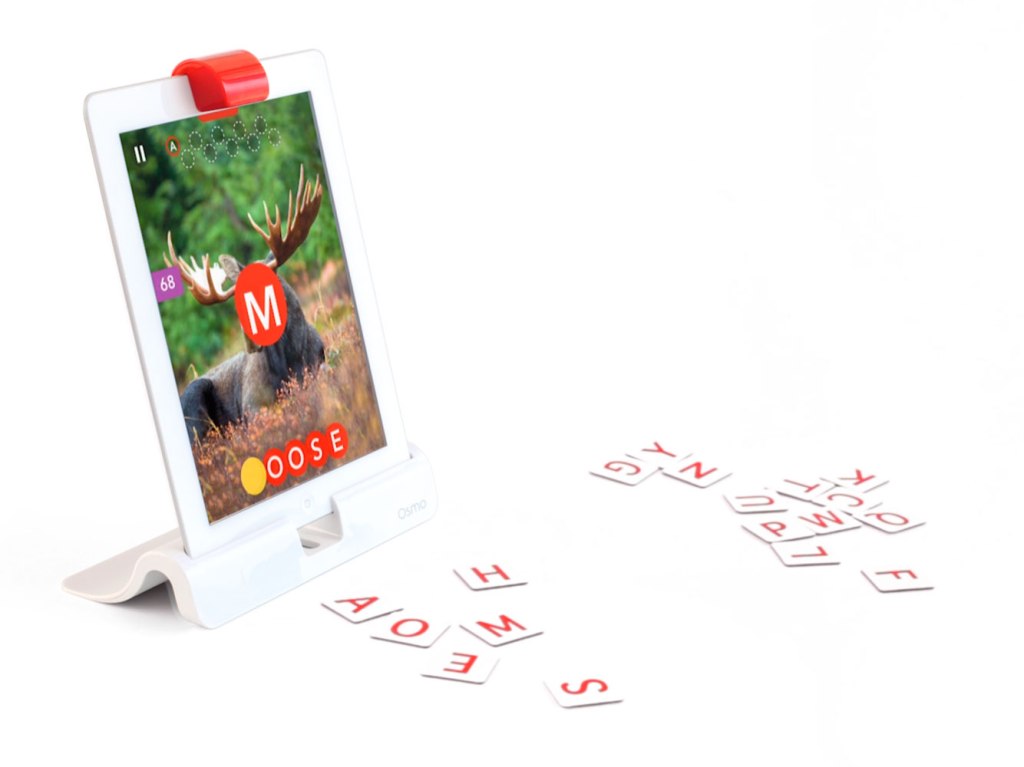
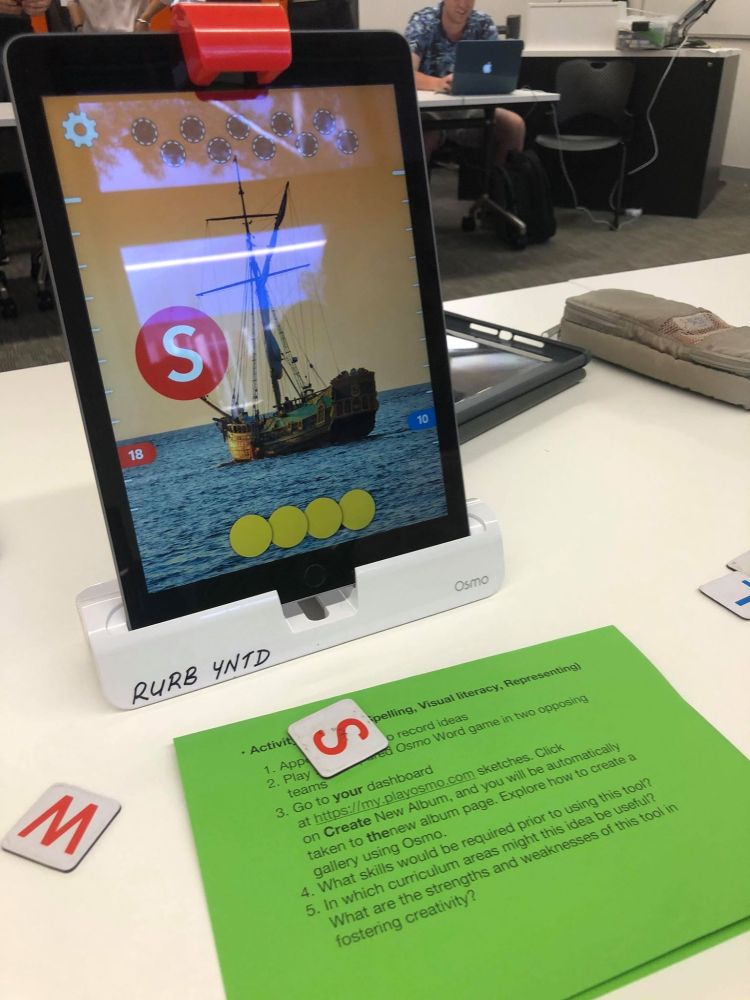
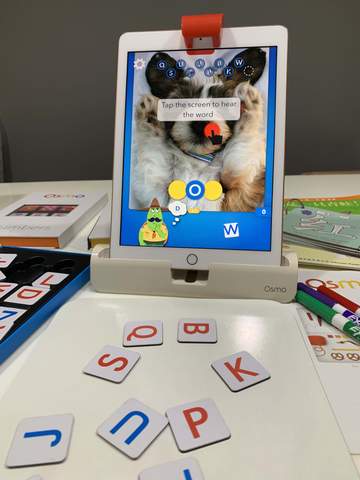
Osmo is a digital tool for iPad that combines images and sounds with tactile tools such as letter tiles. Using a stand and mirror placed over the camera, Osmo can recognise objects placed in front of the screen enabling student’s real-life experiences to overlap into the digital space. The game we played required us to place letter tiles in front of the screen in order to spell out a word associated with an image displayed on the screen. Letters were either correct and placed into the corresponding space in a word or were incorrect and resulted in the loss of a chance, similar to the classroom classic “hangman”.

At a surface level Osmo may not appear to foster creative thinking simply by having students play the game, but it is possible for students to create their own image galleries and the words associated with each image. This process requires children to engage creatively with the content they are learning and generate associations specific to their own experience. In a secondary science classroom this could be used an effective revision tool, where students each make galleries of their own that they then share with others in the class. This approach benefits student learning by both requiring students’ active engagement (Obenland, Munson & Hutchinson 2012) with content in making image galleries of their own and exposing them to the ideas of their peers.

Through activities such as this, Osmo allows for the type of interactive engagement with curriculum content that will build student’s creative capacities and readiness for the future workplace. Osmo is, however, not cheap to provide on a whole class or year scale. iPads must be available for students to use in groups not larger than 4 and the starter kit itself retails for $167 AUD, placing it outside some schools’ reach.

Reference list

Australian Curriculum, Assessment and Reporting Authority (ACARA). Critical and Creative Thinking. Retrieved at: https://www.australiancurriculum.edu.au/f-10-curriculum/general-capabilities/critical-and-creative-thinking/

Beghetto, R. A., & Kaufman, J. C. (2013). Fundamentals of Creativity. Educational Leadership70(5), 10-15

Obenland, C. A., Munson, A.H., Hutchinson, J. S., (2012) Silent Students’ Participation in a Large Active Learning Science Classroom. College Science Teaching, 42(2), 90-98

Pink, D. (2011). Creative fluency. In L. Crocket, I Jukes, A. Churches (Eds.), Literacy is not enough – 21st Century fluencies for the digital age. (pp. 43-54). Corwin

Triple S Games (2018). How to Play: Hangman. Retrieved at: https://www.youtube.com/watch?v=cGOeiQfjYPk

Images are my own unless otherwise specified
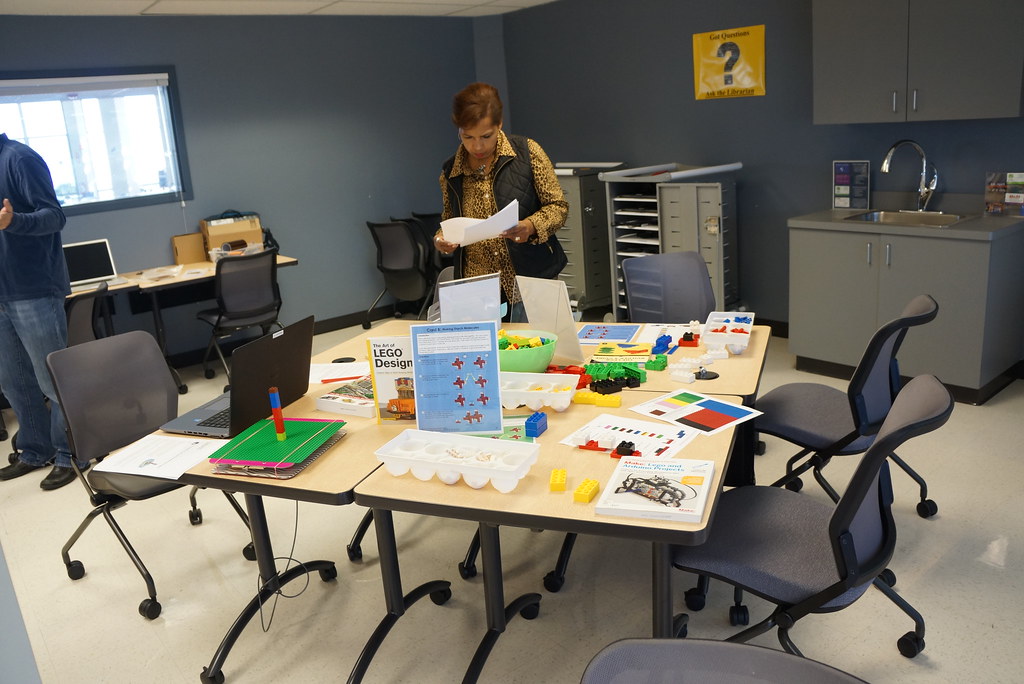
Makerspaces and the Constructionism Movement

Constructionism is a pedagogical philosophy that prioritizes creativity, exploration and construction as essential elements of the learning process. It is underpinned by the idea that learning happens best when learners construct their understanding through a process of designing and creating projects to share with others (Donaldson 2014). Constructionism is very closely linked with the theoretical framework of constructivism in that it is an active process of constructing knowledge from experiences bound by one’s personal context, however constructionism advocates for the construction of personally meaningful projects to increase the effectiveness of learning (Kafai et al 2009)

Image retrieved from https://www.flickr.com/photos/collegeofsanmateolibrary/16157442947 College San Mateo Library CC BY SA

Schools are increasingly providing Makerspaces, where constructionist teaching can flourish. These spaces are versatile and can be used for a range of activities and purposes to accommodate for flexible learning goals. Makerspaces typically provide an environment that promotes collaboration and invites individuals to experiment with new materials and methods as part of the creative process.

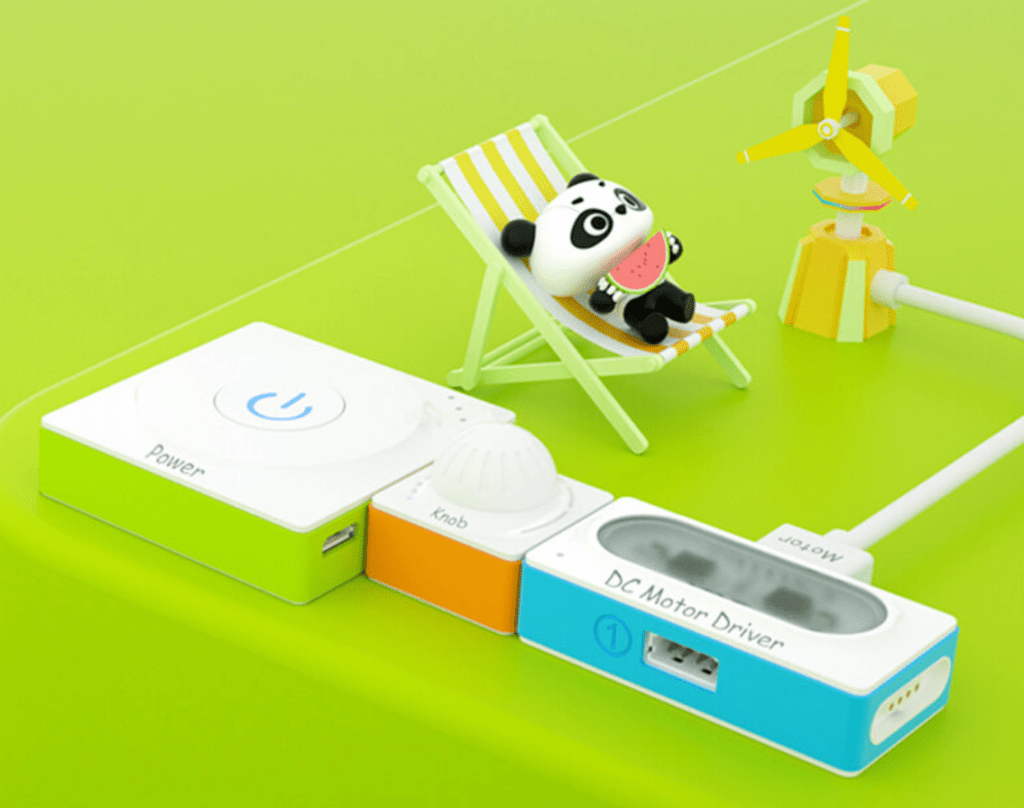
Makeblock Neuron is an educational tool that is well suited to use in Makerspaces and in constructionist pedagogy. It consists of programmable electronic modules that can be combined together to create functional circuits with unique capabilities. There are a range of different modules that allow for the design of simple combinations suitable for primary students or more complex creations suitable for high school students to experiment with.

In a high school science classroom, Makeblock Neuron has a range of applications from modelling electrical circuits to developing computational thinking and teaching students about concepts of computer coding. I would incorporate this tool to investigate the applications of light and sound sensors in conjunction with physics units that provide students with the conceptual understanding of their function.

References

Kafai, Y., Peppler, K.A., Chapman, R.N., Linn, M.C., (2009) The Computer Clubhouse: Constructionism and Creativity in Youth Communities, Teachers College Press, 50045th edition

Donaldson, J., (2014). The Maker Movement and the Rebirth of Constructionism. Hybrid Pedagogy. Available at: https://hybridpedagogy.org/constructionism-reborn/

Video Games

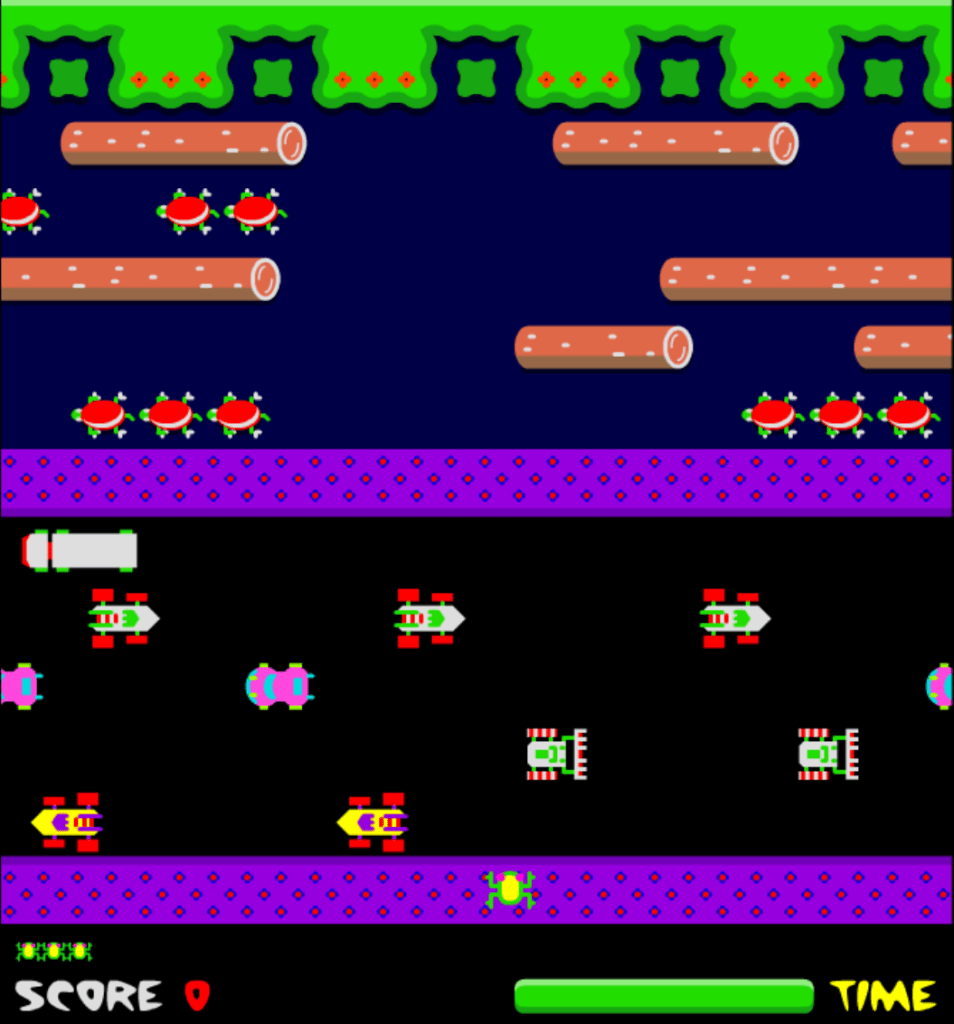
The Classic Game “Frogger”

Gamification is the use of game design elements in non-game contexts and has been used to success in many web-based businesses and web-based educational tools (Dominguez et al, 2013). Including elements such as progression systems, badges, and earnable rewards increases student engagement and motivation.

Video games are interactive activities that provide continuous challenges to the player and engage them in an active learning process of exploration and mastery (Koster, 2005). Done well, the combination of narrative, graphics, music and interactivity can engage students in subjects and areas where they would normally be disinterested (Watson, Mong and Harris, 2011).

Having extensive experience with video games myself, my view is that video games are a powerful tool that should be used sparingly in the classroom. This is not to say that games hold no benefit; gamification of standard classroom practice can increase student engagement and motivation and there exist examples of effective game-based learning tools. Mathletics is a tool for learning maths that requires students to practice and solve sums to complete levels and earn rewards and currency that can be spent at the in-game shop. I have seen Mathletics used as a homework program that captivated the students and motivated them to work towards the next reward and purchase cosmetics they could use to customise their profile.

Implemented poorly, video games serve to distract students from the focus of a lesson and increase off task behaviour. The use of video games must be heavily scaffolded and the student’s purpose must be clear at all times.

Designing Games Using Scratch

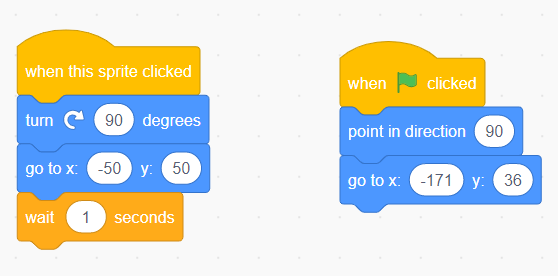
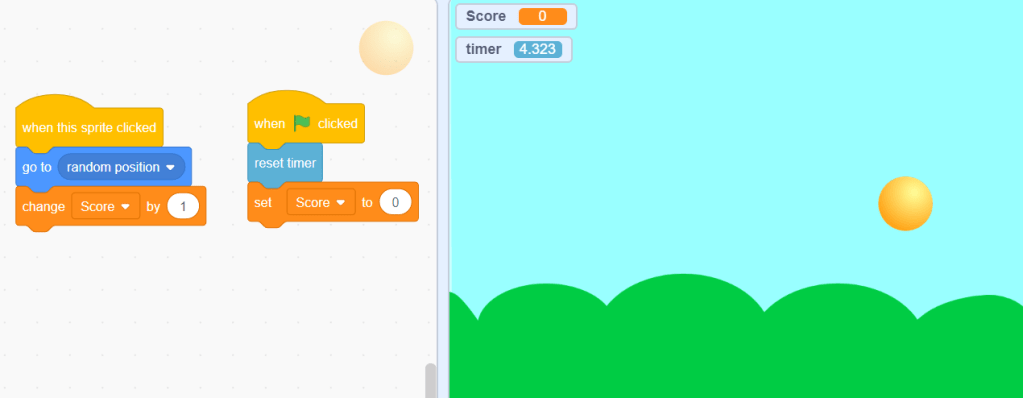
Scratch is a block coding programs that can be used to create basic games. My experience with scratch, perhaps as a result of having very limited experience with coding previously, was somewhat frustrating. Finding the relevant code blocks and arranging them to execute more complex operations was either difficult or impossible. This limitation hinders the applicability of scratch in classroom settings other than classes designed to teach coding as students will devote their energy to using the software rather than engaging with the content.

I was able to create a basic game by following in-built tutorials however creating a game that could promote meaningful learning was beyond my capability.

References

Domínguez, A., Saenz-De-Navarrete, J., De-Marcos, L., Fernández-Sanz, L., Pagés, C., & Martínez-HerráIz, J. J. (2013). Gamifying learning experiences: Practical implications and outcomes. Computers & Education, 63, 380-392.

Koster, R. A theory of fun for game design, Paraglyph Press, Scottsdale, Arizona (2005)

W.R. Watson, C.J. Mong, C.A. Harris (2011) A case study of the in-class use of a video game for teaching high school history. Computers & Education, 56(2), pp. 466-474

All images are my own

Virtual Reality in Education

Virtual Reality (VR) has existed in various forms for over half a century but it has yet to see widespread adoption in the field of education due to limitations of the technology, pedagogical barriers and the monetary expense (Kavanaugh, Luxton-Reilly, Wuensche & Plimmer, 2017). As a result, the potential benefits of VR, including increased time on-task, student enjoyment and engagement, motivation, deeper learning and better long-term retention have not been realised.

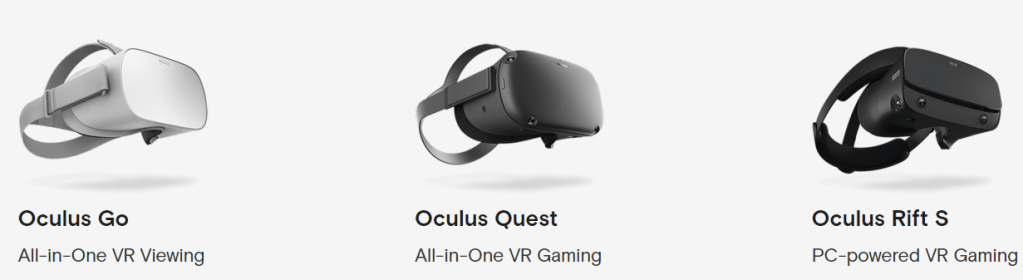
Recently VR has become more accessible and the availability of cheap headsets, such as Google Cardboard, that are compatible with smartphones has reduced the necessity for more expensive VR equipment such as the Oculus VR range.

CoSpaces – An Educational VR Tool

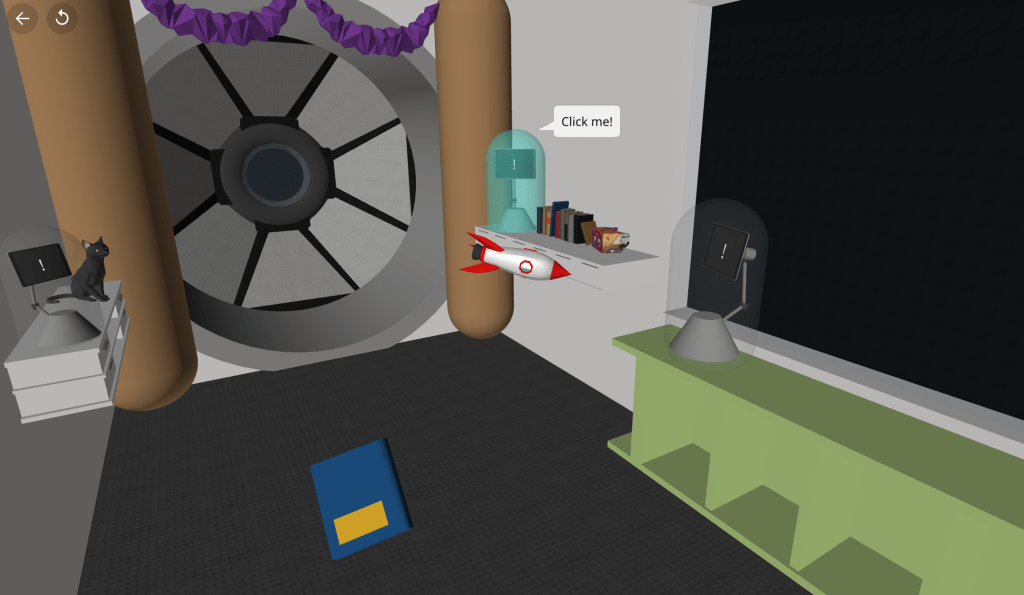
CoSpaces is a useful educational tool that allows for teachers to create VR environments for their students to explore and allows students to create their own environments. It is available in both desktop and tablet applications and sharing VR spaces with a simple QR code further increases its accessibility.

One of the virtual worlds available in the CoSpaces gallery

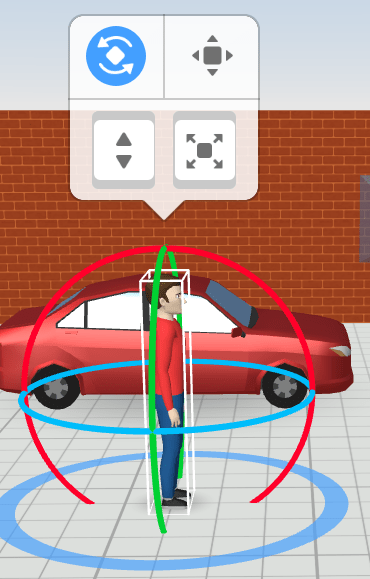
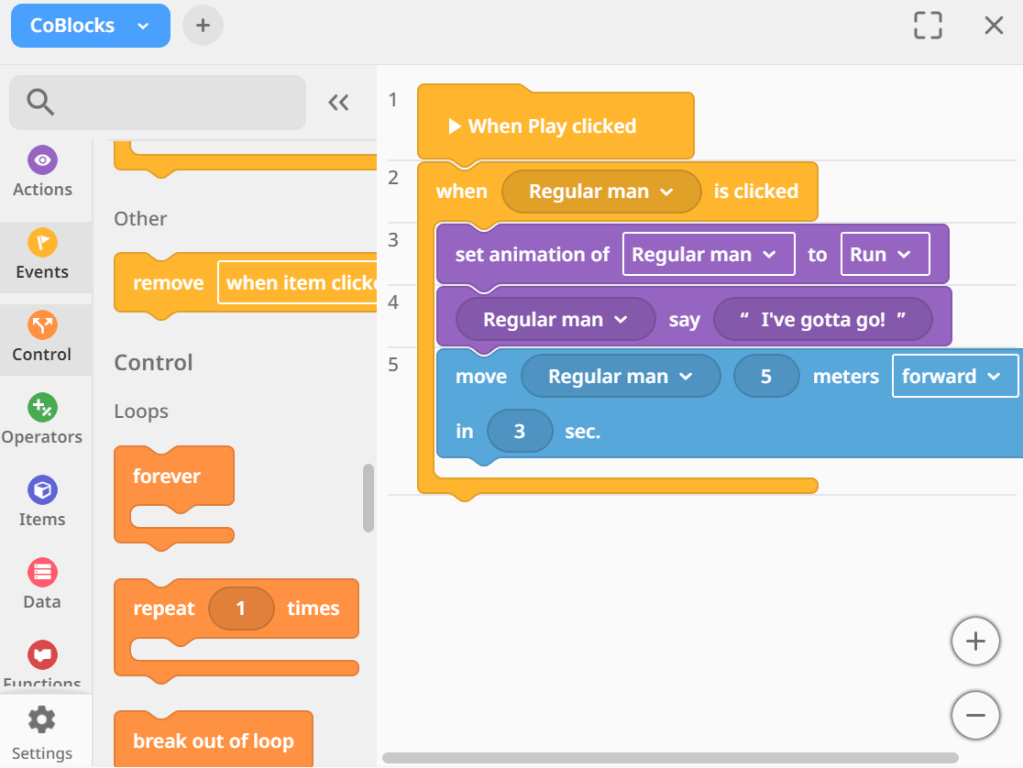
CoSpaces facilitates student’s active learning by affording the capacity to interact with virtual models and experiences and allowing students to create their own virtual world. 3D models can be selected from a library or even designed with an inbuilt 3D-modelling function and given movement and functions with a block coding interface.

Use of this software must be heavily scaffolded as there is a large potential for off-task distractions that could easily capture student’s imagination. Time must be spent on learning how to use the software as it is not as intuitive as one might expect. Previous experience with block coding would benefit students immensely as the cognitive load of learning block coding on top of creating a virtual world in unfamiliar software could very easily become overwhelming.

If done properly, CoSpaces has huge potential to increase student immersion and engagement while developing computational thinking skills and encouraging active and deep learning.

References

Kavanagh, S., Luxton-Reilly, A., Wuensche, B., & Plimmer, B. (2017). A systematic review of virtual reality in education. Themes in Science & Technology Education, 10:2, pp85-119.

All images are my own

Augmented Reality

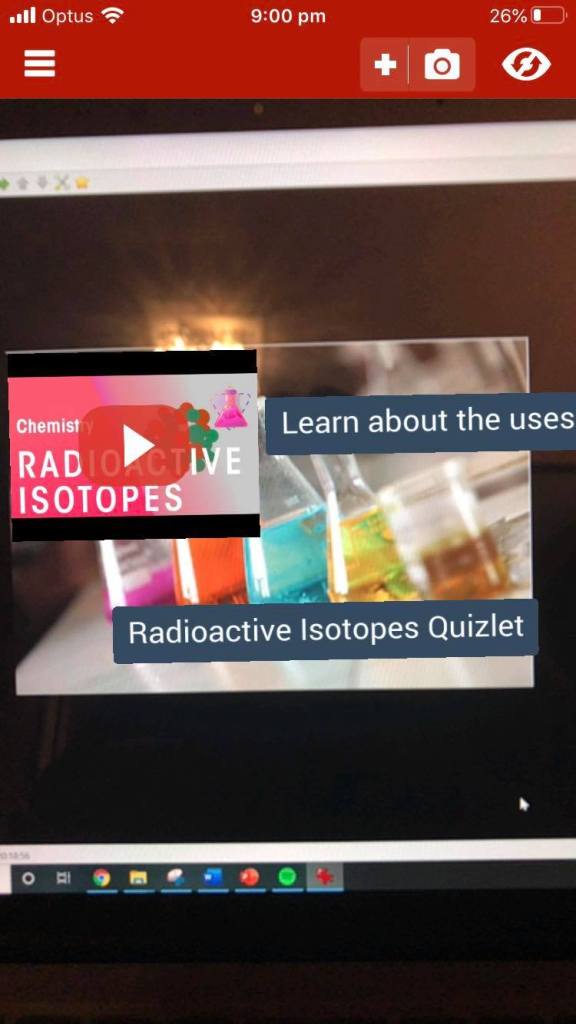
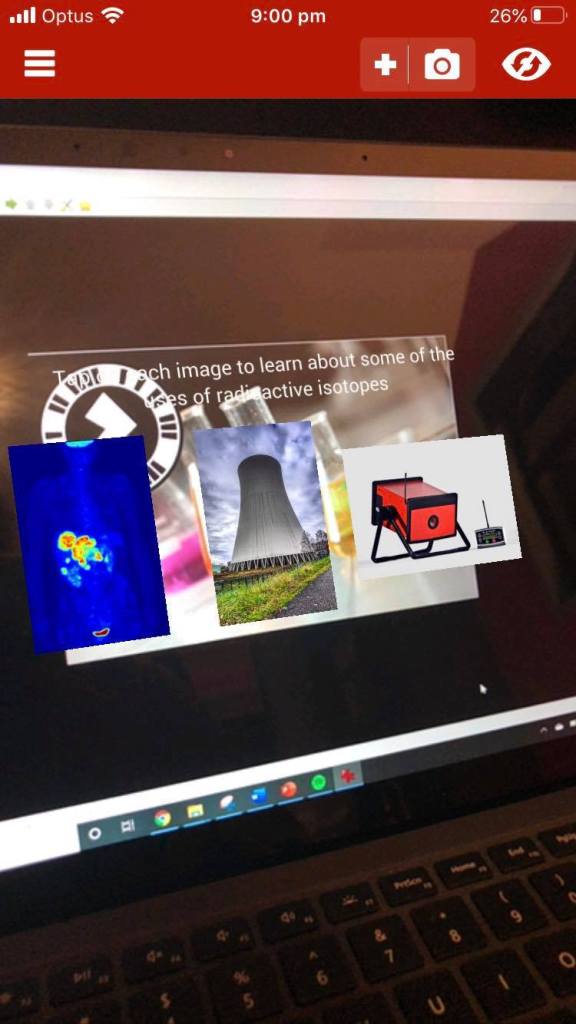
Scan this image with the Zappar app to view my AR experience

Augmented Reality (AR) is a technology that super-imposes computer generated images over the user’s real time view of the world around them. AR is a technology that enables new approaches to educational instruction and enriches student’s learning experiences (Dalim et al 2017). Studies show that it can have significant benefits to the depth of understanding students develop (Lindgren and Moshell 2011), especially their understanding of complex concepts.

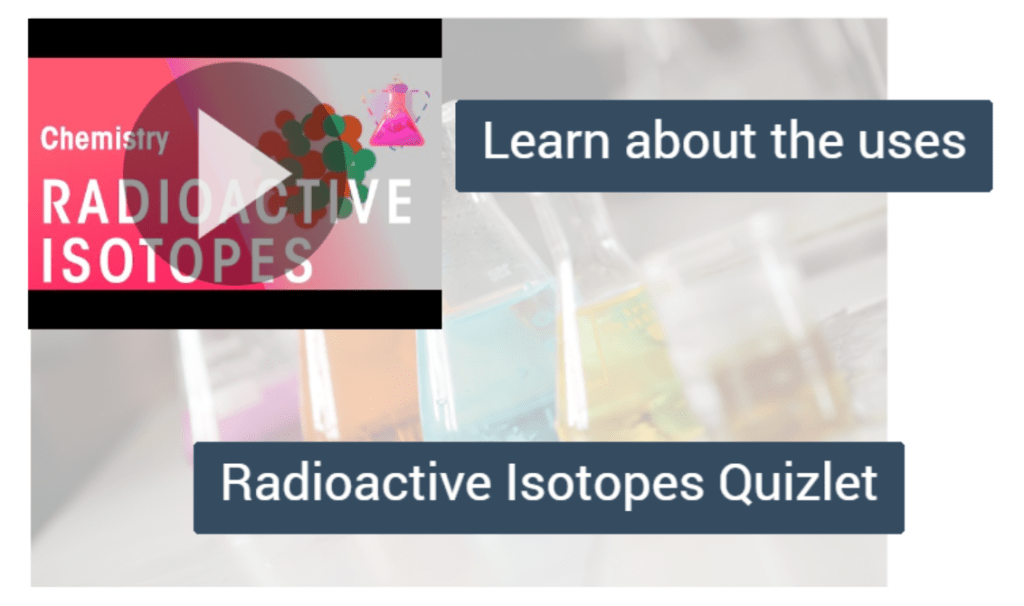
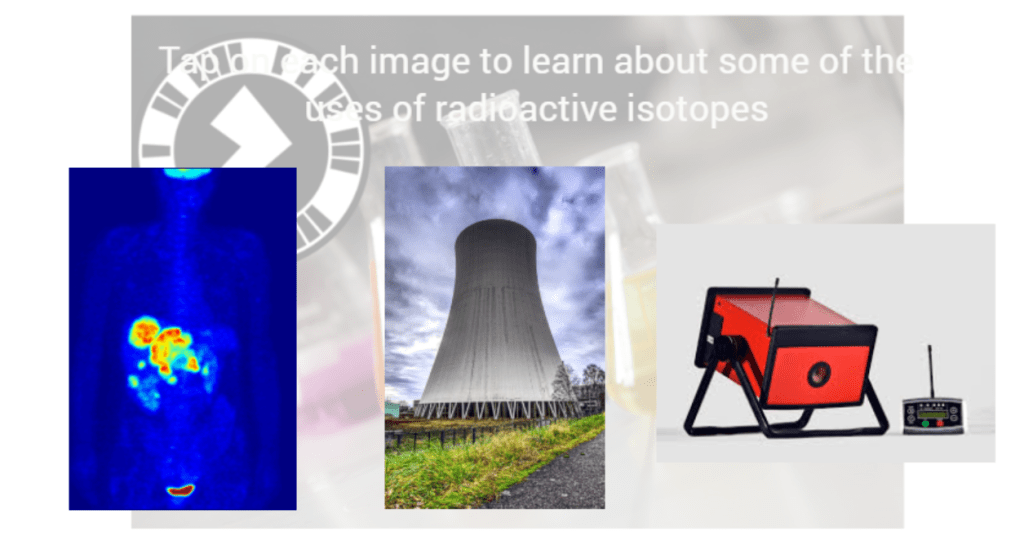
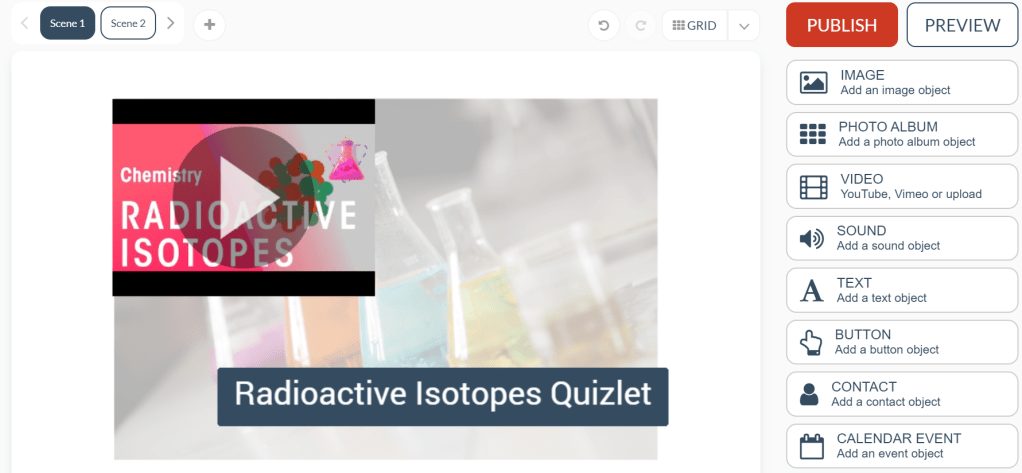
My AR experience aims to introduce students to radioactive isotopes and their current uses. I included a video to inform students of the basic science behind radioactive isotopes and their properties and provided them with a link to a quizlet that has a series of flashcards introducing students to their uses. In scene 2 students tap on pictures that link to websites which cover some of these uses in far greater depth.

The purpose of this AR experience is to introduce students to radioactive isotopes and their uses and springboard them into inquiry-based activities based on what they found most interesting. The AR experience serves as a tool to increase student engagement and present information in a clear and concise manner that leaves students feeling like they are playing an active role in exploring the content.

While using Zapworks to create the experience I ran into problems trying to create a working trigger image. The Zapcode I was originally provided would not be recognised throughout many  different versions of the uploaded trigger image and it was not until I started the project again with a new Zapcode that I found success. Apart from that I found that using the UI was intuitive and that creating my AR experience forced me to think of creative ways to engage students. Experimenting with the available options and new scenes allowed me to settle on a final design quickly. Testing your designs was also made easy thanks to the Zappar app that reads the trigger image on mobile devices.

The use of AR in classroom settings will only increase as technology becomes more readily available in schools and teachers embrace its potential benefits to student learning. Developing a sound understanding of its applications now will benefit me greatly moving forward.

References:

Lindgren, R. and J.M. Moshell, 2011. Supporting children’s learning with body-based metaphors in a mixed reality environment. Proceedings of the 10th International Conference on Interaction Design and Children, Jun. 20-23, ACM, Ann Arbor, Michigan, pp: 177-180

Dalim, C.S.C., Kolivand, H., Kadhim, H., Sunar, M.S., Billinghurst, M., 2017. Journal of Computer Science, 13(11), 581-589

All images are my own or free to be used without accreditation

Robotics – LEGO Mindstorms EV3

Image obtained from: https://www.flickr.com/photos/42988571@N08/25053335957
CC: BY SA

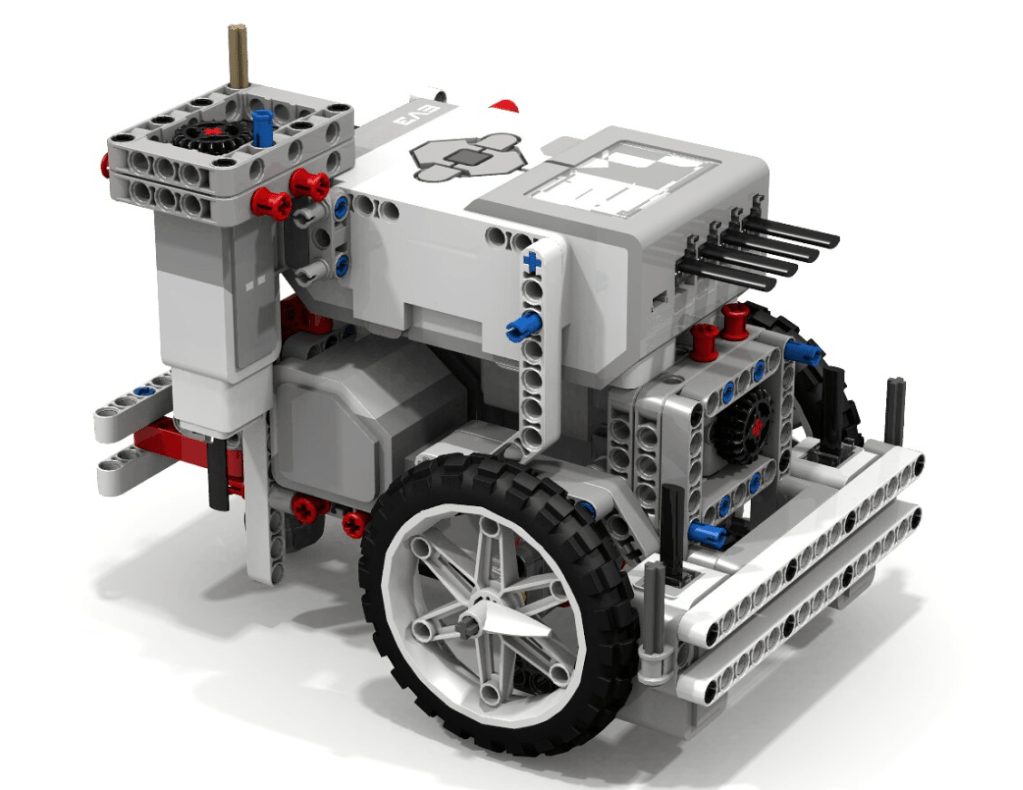
The LEGO Mindstorms EV3 brick is a programmable computer that makes it possible to control a range of motors, collect and process sensor feedback and program tasks. The system includes medium and large motors and an array of sensors that can be utilised to program both simple and complex operations.

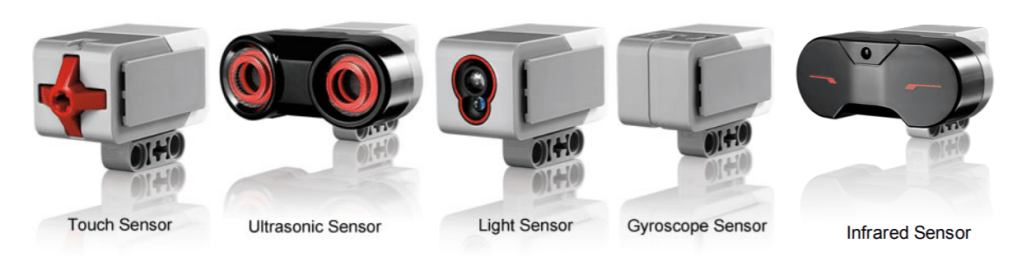
The strength of the Mindstorms line of products is in its versatility. Colour sensors, gyroscopes, touch sensors, ultrasonic sensors, infrared sensors and temperature sensors enable the user to experiment with the robot’s functions. It is built to be configured with all existing LEGO pieces, meaning that the shape, size and purpose of whatever robot you build is very dependent on the user’s vision.

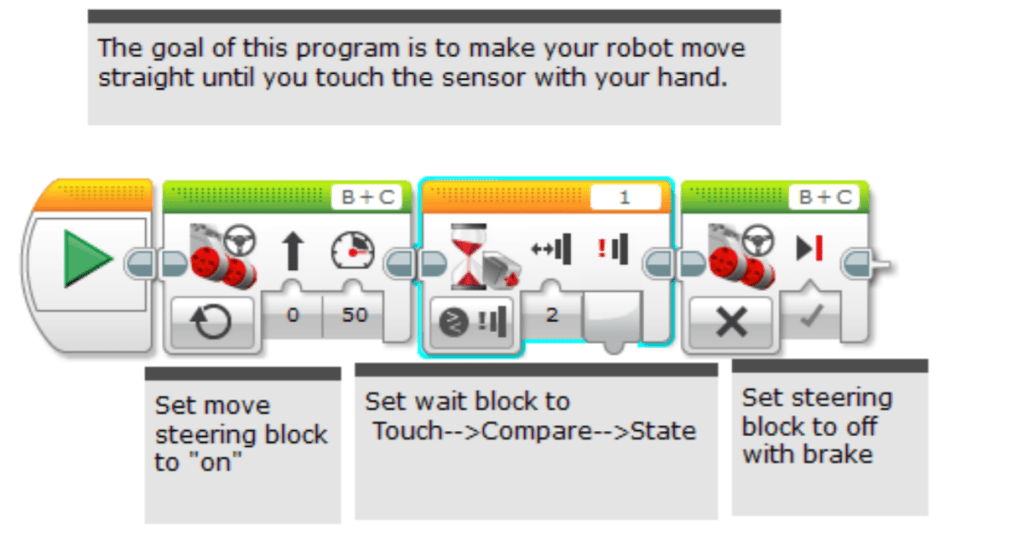
Image obtained from http://ev3lessons.com/en/ProgrammingLessons/beginner/Touch.pdf
CC: BY NC SA

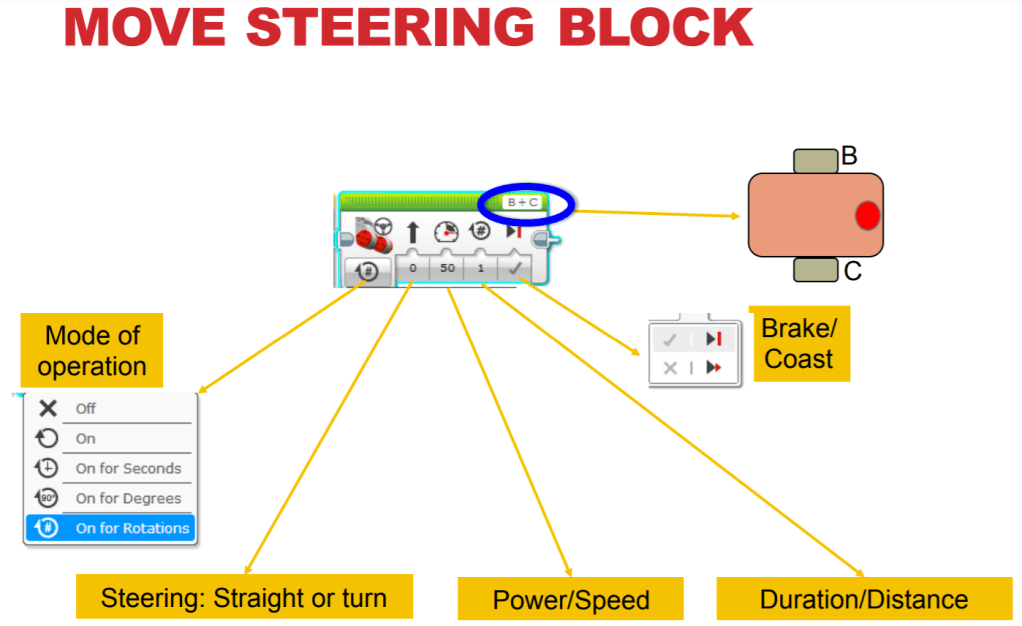
User’s reviews of the software are generally positive and the compatibility of the EV3 system with other LEGO products gives it a wide range of functions and compatible resources. However, the same users reported some limitations in the coding process such as some block values being restricted to a certain range and the simple speed settings of the motors. It is easy to see how the block style coding can quickly become visually overwhelming and confusing for a lot of students, although (Molins-Ruani, Gonzalez-Sacristan, Garcia-Saura, 2017) claims that the coding system is easy and intuitive to use. With proper instruction and visual aids students of the appropriate stage would be able to overcome these challenges.

There exists a plethora of online resources to accompany the EV3 system. EV3lessons.com provide a range of easy to use guides and tutorials designed help both students and teachers get the most out of the technology. From the absolute basics such as building the robot, learning to use its sensors and programming it to move in a straight line to far mor complex tasks, the tutorials provide concise instruction and helpful visual aids.

The LEGO Mindstorms EV3 is probably the most complex of the classroom robotics technologies looked at in EDUC3620 and it’s use as an educational tool should reflect that. This product is not appropriate for any students younger than very late primary school and would see the best results in high school classrooms. While being a valuable tool for STEM subject areas it is difficult to see how this technology could be applied to other curriculum areas effectively.

References

Molins-Ruani, P., Gonzalez-Sacristan, C., Garcia-Saura, C. (2017). Phogo: A low cost, free and “maker” revisit to Logo. Computers in Human Behavior, 80, 428-440.

Coding and Computational Thinking

Coding has been explored as an educational tool in the Australian curriculum for some time now (Albion 2015), existing as a niche and being focused on computer programming for secondary school students. ACARA (2015) recognises the need for students to become fluent in the use of Digital Technologies, including it as part of the Australian Curriculum, however the depth to which individual schools teach these skills varies greatly.

Learning the process of computational thinking, where you follow the same set of logical rules that computers do, is a valuable skill for students to develop. Sterling (2015) describes the merit of students learning coding as giving them an appreciation of what can be built using technology and understanding how it works. He goes on to outline the benefits of learning computational thinking as “understanding of how to express concepts so that a computer can perform tasks accurately and efficiently”. Utilising coding using tools such as Micro:bit and MakeCode enable students to perform their own experiments and investigations into the nature of computational thinking and the cognitive tools it requires.

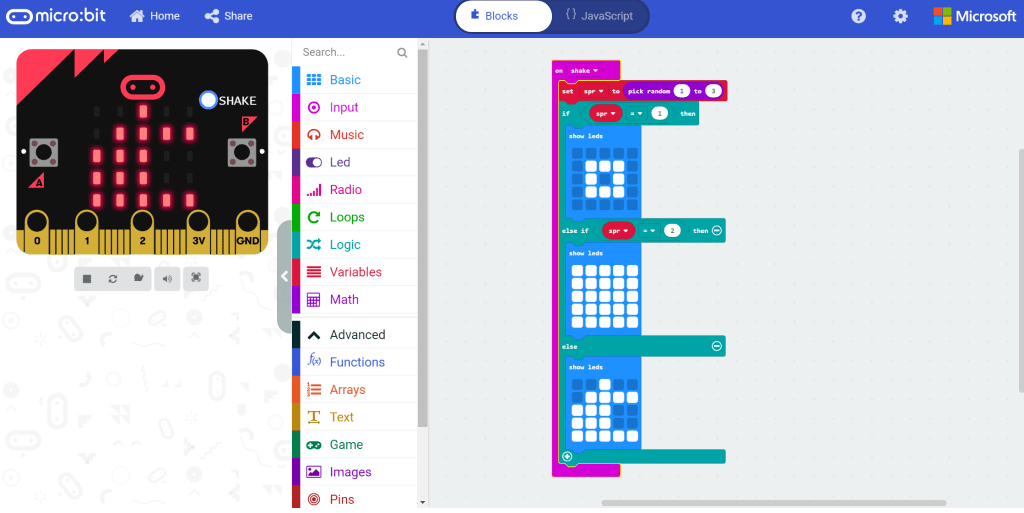
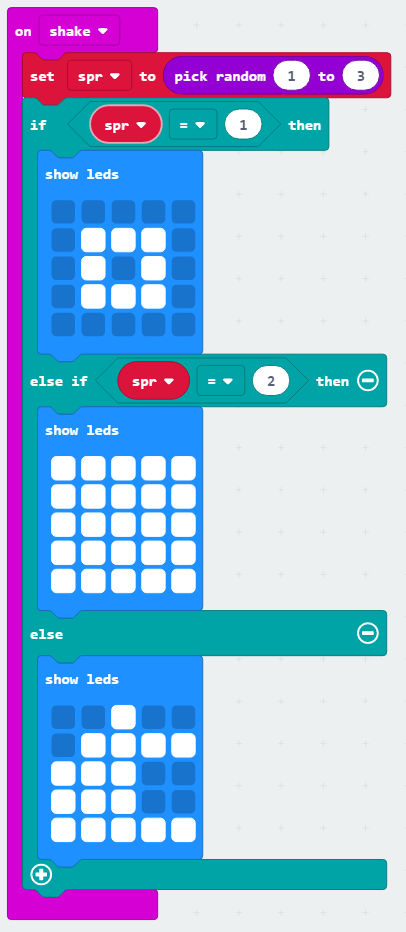
MakeCode, used to create a code sequence for a Micro:bit

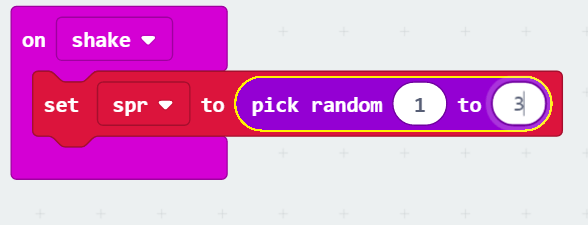
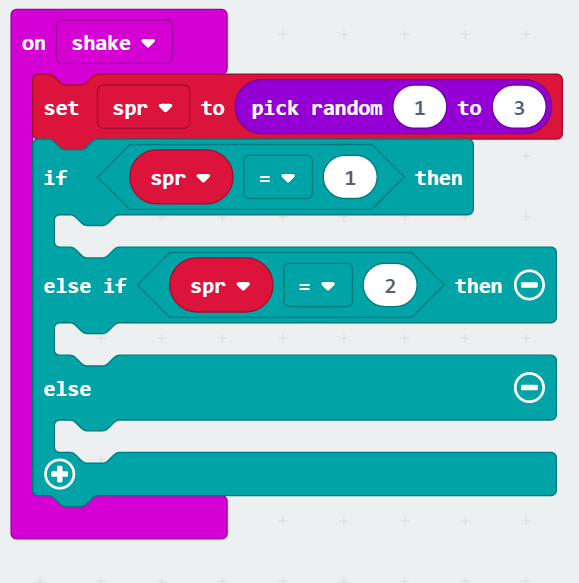
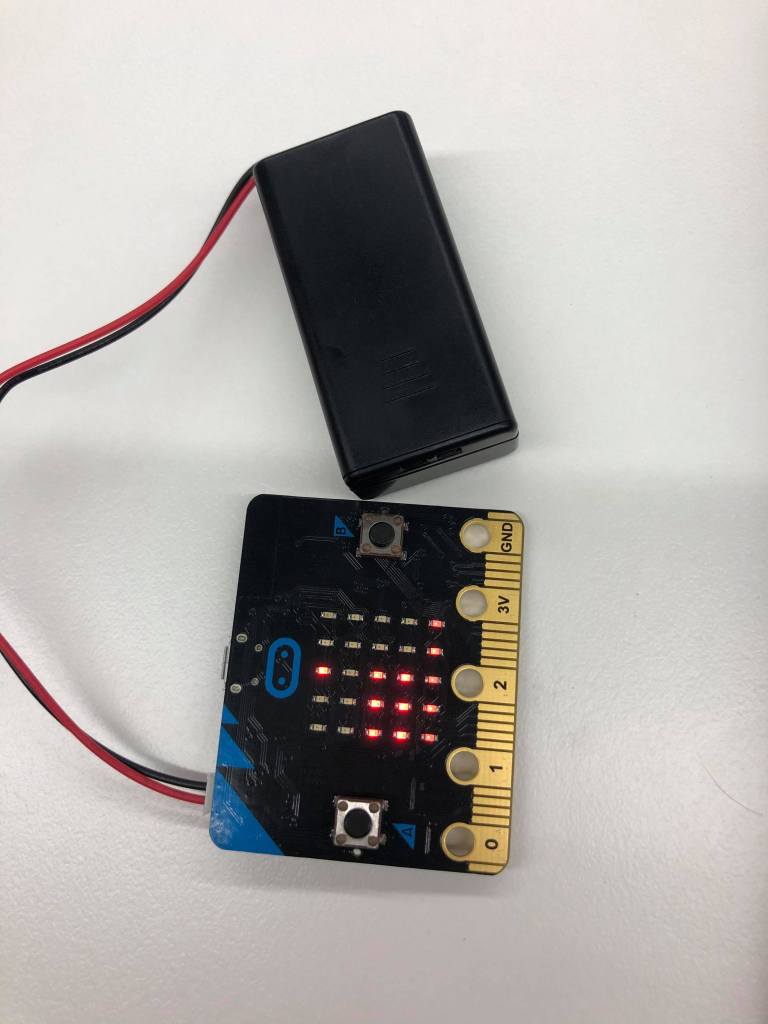
My own investigations into coding and computational thinking made use of a Micro:bit that was programmed to play rock, paper, scissors. Using MakeCode, a script was written that instructed the Micro:bit to randomly generate a number between 1 and 3 when shaken, and display an image of a rock, paper or scissors that were assigned to each number 1, 2 and 3. MakeCode was intuitive to use, consisting of block commands that the user arranged to produce a JavaScript that the Micro:bit could read. This ease of use allowed me to devote my attention to problem solving and thinking computationally; the experience was genuinely rewarding.

My own experience leads me to believe that high school science students would benefit in similar ways. Tasks could be designed that require students to produce a code that serves a defined purpose such as I did, serving as a tutorial of sorts before allowing students to perform investigations and experiment with the tools at their disposal. Micro:bits can be programmed online for free and are relatively inexpensive, coming in at $25, making them a viable option for many classrooms.

References:

Australian Curriculum, Assessment and Reporting Authority (ACARA). (2015). Digital technologies: sequence and content. Retrieved at: https://docs.acara.edu.au/resources/Digital_Technologies_-_Sequence_of_content.pdf

Albion, P. (2015). The second coming of coding: will it bring rapture or rejection? Quick. 2(130), 23-26

Sterling, L. (2015). An education for the 21st century means teaching coding in schools. Retrieved from https://theconversation.com/an-education-for-the-21st-century-means-teaching-coding-in-schools-42046

All images are my own.

3D Modelling and Printing

3D modelling and printing has the potential to be utilised as a valuable tool in project-based learning approaches, inquiry-based learning activities and investigative tasks. 3D modelling, as an active learning process of designing and creating, allows students to express and develop their creative ideas, utilise problem solving techniques and nurture creativity (Torrey and Maloy 2017). Furthermore, student’s spatial reasoning can be improved by use of 3D modelling software (Kurtulus and Uygan 2010), increasing their capacity to visualise an object from multiple viewpoints, perform operations on the object (rotate and orbit) and blend the object with others (Turgut and Uygan 2015).

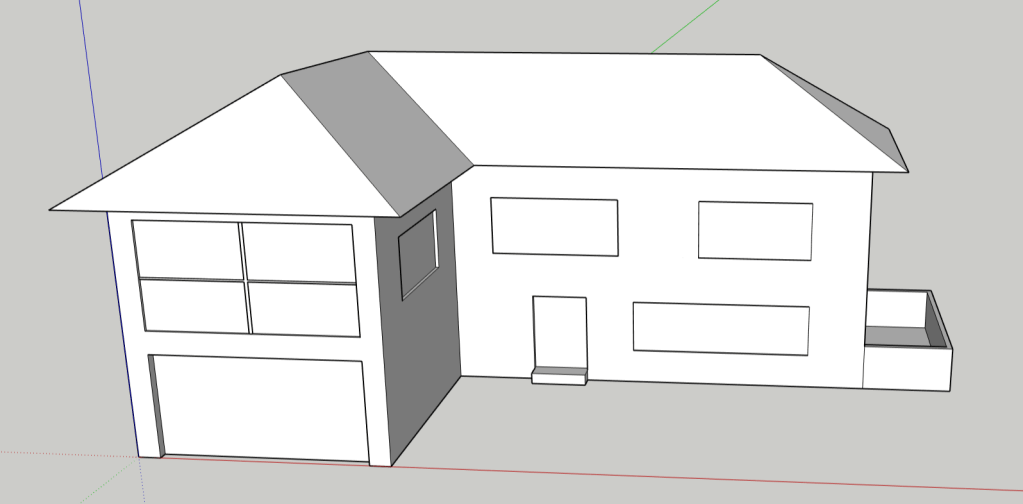
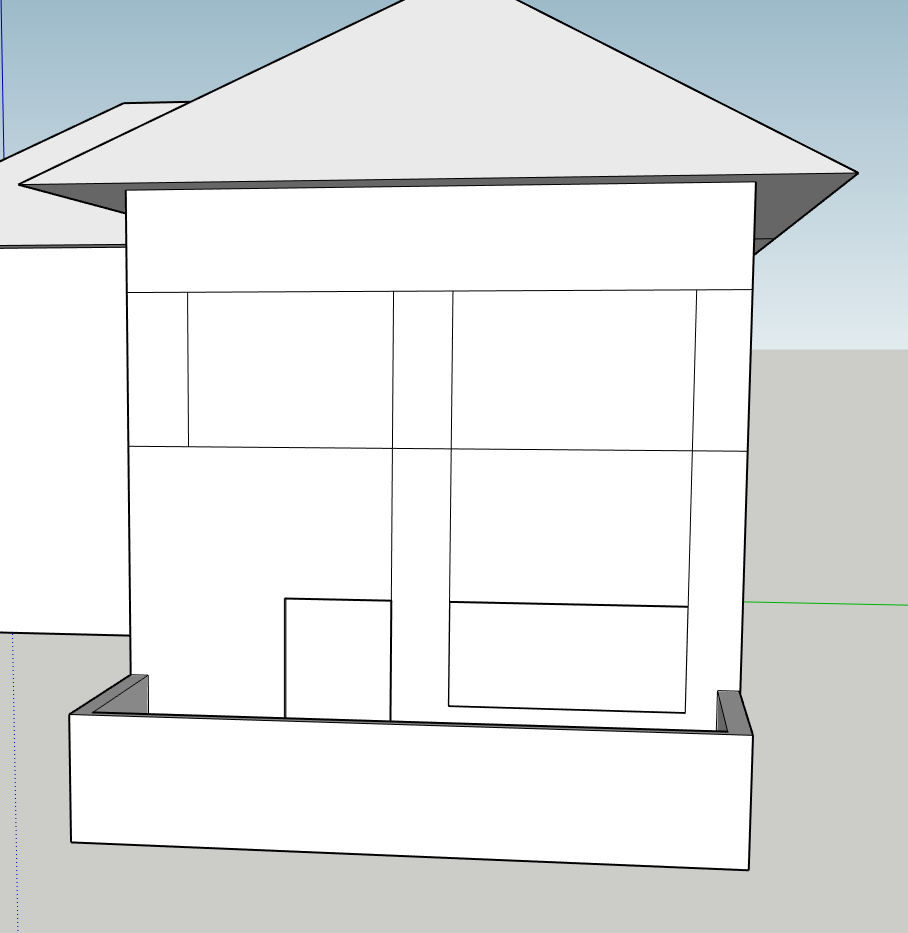
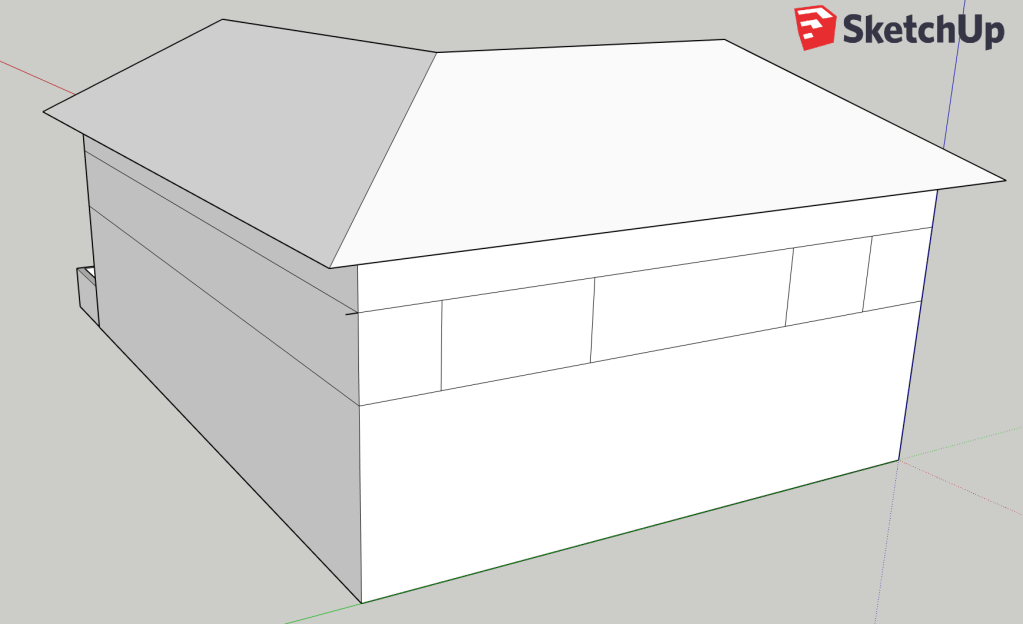
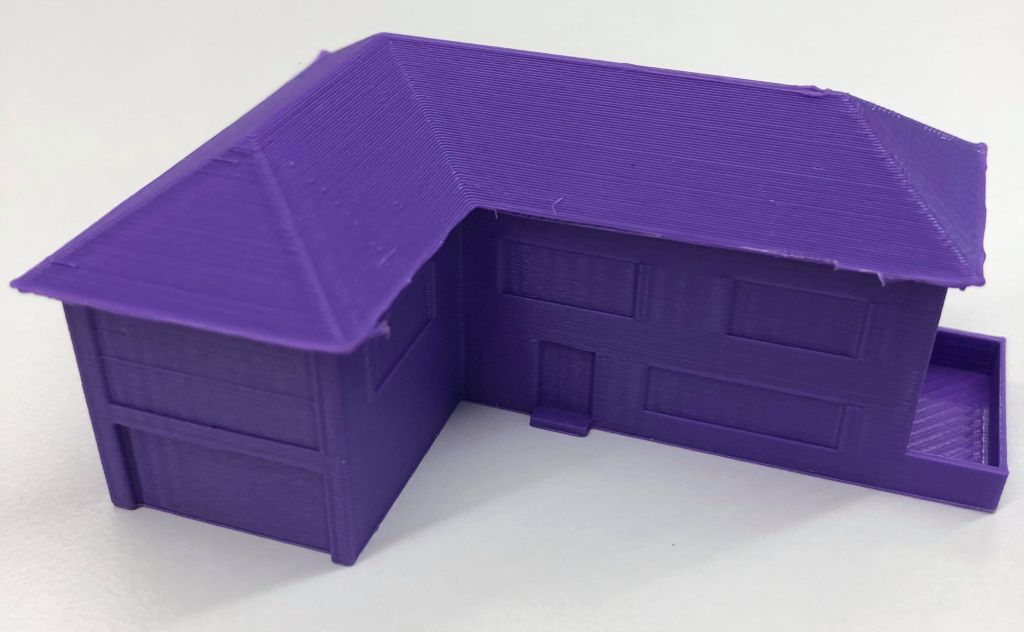
Google SketchUp is a software package available as a browser client and desktop application that was developed to make 3D modelling accessible for people without extensive prior training. My experience with SketchUp was in designing a house. I found that I entered the design process with some initial ideas of how my finished product would look but as I investigated the tools at my disposal and learnt more about the software these changed. While watching tutorials I expanded upon what I had initially envisioned based upon what I saw was possible and threw out other ideas in favour of better ones. Experimenting with tools like push/pull, follow me and measure played a part in settling on a final design.

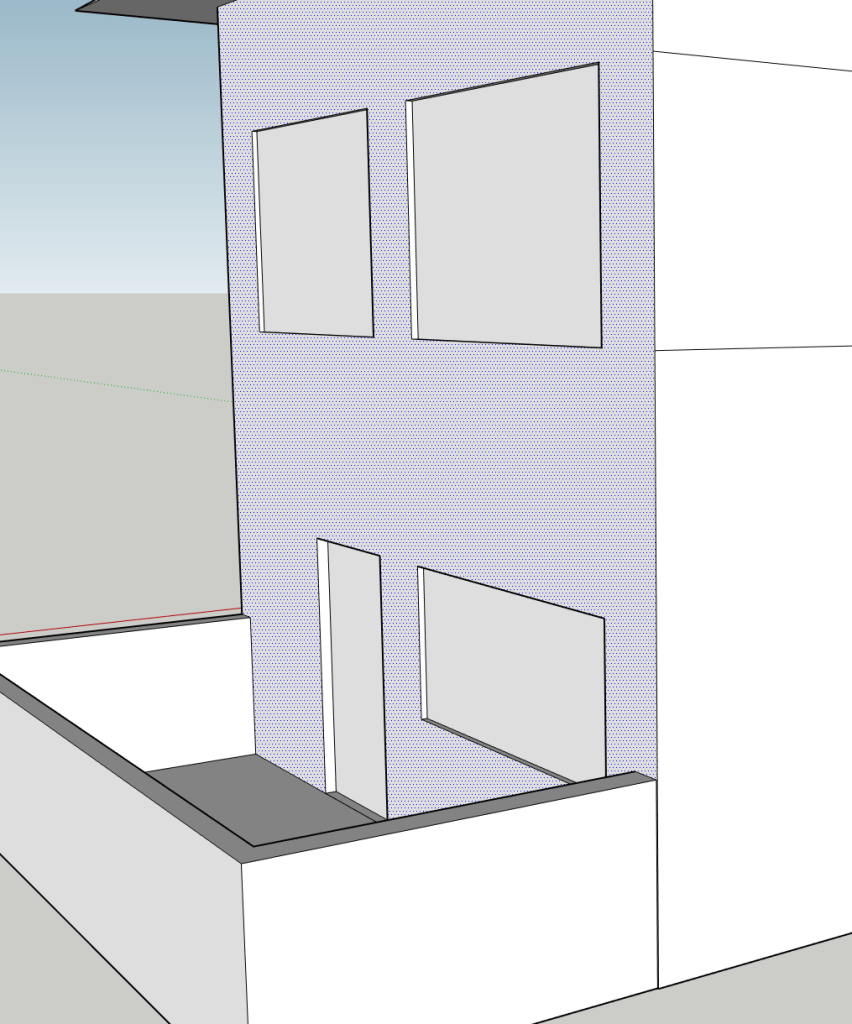
I started to incorporate elements of symmetry into my design, especially with window placement, using midpoints to centre features and creating a series of parallel lines around the entire building to guide placement. I found that indenting windows and doors created depth and made my design more aesthetically pleasing.

The finished product

3D modelling can be used to great effect in secondary science classrooms as design and experimentation are intrinsically linked with the science syllabus. Activities requiring students to create a 3D model of a tool to be used to solve a given problem or creating a model of an existing object to better understand its function will develop spatial reasoning and foster creativity.

While 3D modelling has many benefits, it is not without potential drawbacks. Schools must have access to expensive 3D printing units for students to see their finished products. It may be time consuming to properly train students in the use of relevant software and printing errors (as a result of flawed design or printer error) can be discouraging.

References

Google SketchUp: sketchup.com

Kurtulus, A. and Uygan, C. (2010) The effects of Google Sketchup based geometry activities and projects on spatial visualisation ability of student mathematics teachers, Procedia Social and Behavioral Sciences, 9, 384-389.

Torrey, T. & Maloy, R. (2017). Why 3D print? The 21st Century skills students develop while engaging in 3D printing projects, Computers in the Schools, 34(4), 253-266.

Turgut, M., Urgan, C., (2015) Designing Spatial Visualisation Tasks for Middle School Students with a 3D Modelling Software: An Instrumental Approach, The International Journal for Technology in Mathematics Education, 22(2), 45-51.

All images are my own

Design a site like this with WordPress.com
Get started